Frequently Asked Questions
What is the difference between USB 2.0 and 3.0 cables?
USB 3.0 supports significantly faster data transfer rates compared to USB 2.0 and provides more power for connected devices.
Are these cables backward compatible?
Yes, most USB cables are designed to be backward compatible, meaning a 3.0 device can work with a 2.0 port, though at lower speeds.
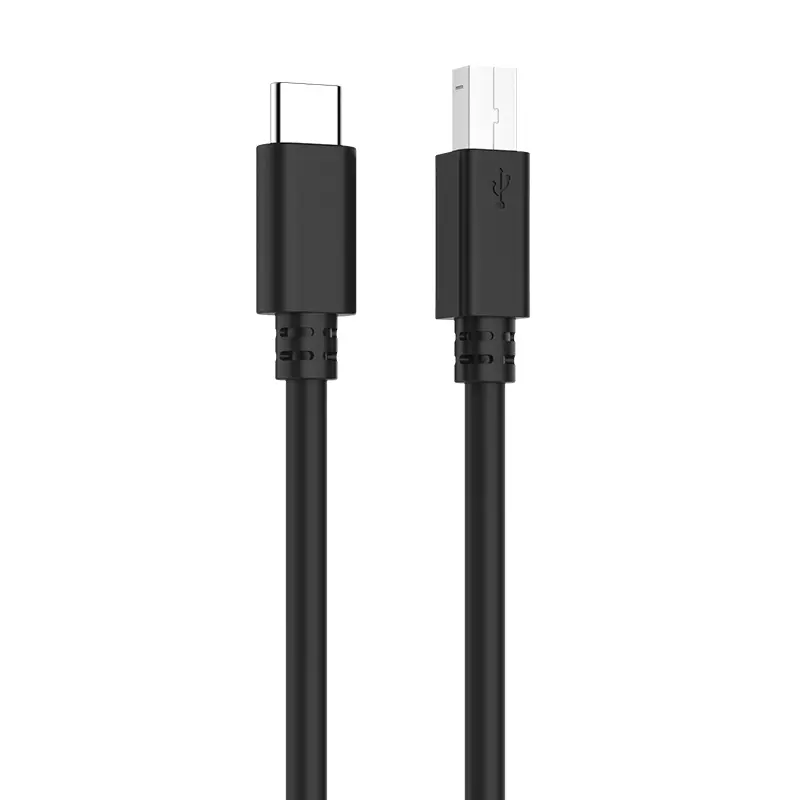
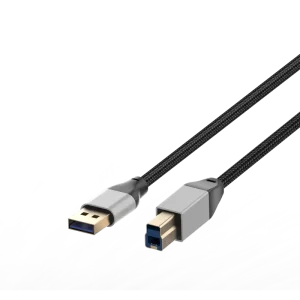
Can I use this cable for my printer?
Yes, Type A to B cables are the standard interface for most desktop printers and scanners.
What is the recommended maximum cable length?
For stable data transfer, it is generally recommended to keep USB cables under 3 meters unless using an active repeater cable.
Do these cables support fast charging?
These specific models are primarily designed for data communication and standard device connectivity.
 Taitron Electronics