Frequently Asked Questions
What is the difference between USB 2.0 and USB 3.0 cables?
USB 3.0 cables offer significantly faster data transfer rates compared to USB 2.0 and provide improved power efficiency for connected devices.
Are these cables compatible with all USB ports?
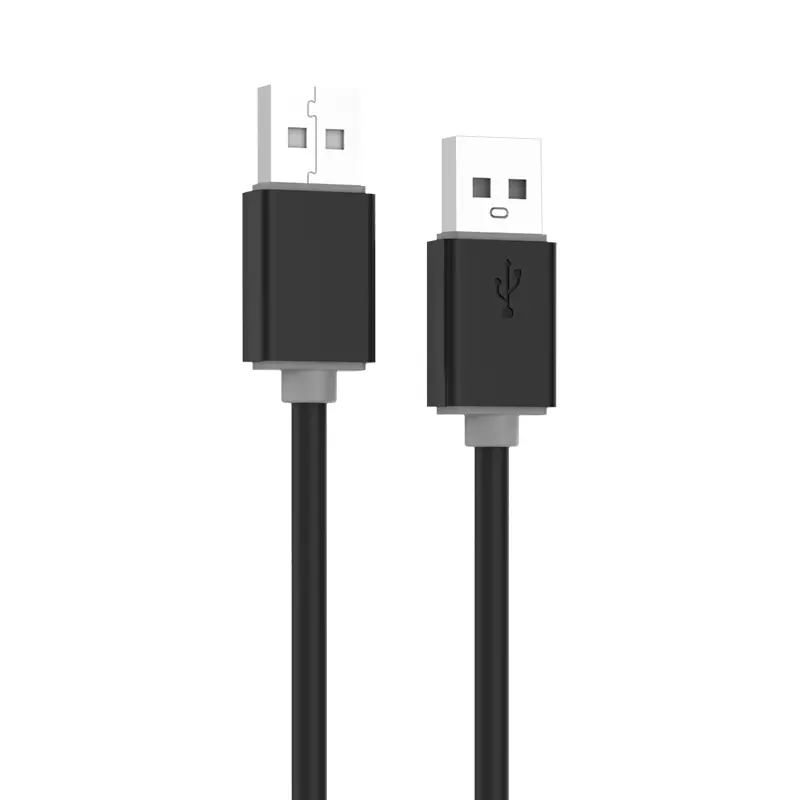
Yes, our USB Type A cables are backward compatible, meaning they can work with older ports, though speeds will be limited by the port version.
How should I maintain my cable for longevity?
Avoid bending the cable at sharp angles near the connectors and keep it away from extreme heat sources to ensure it lasts longer.
Do these cables support fast charging?
The cables are designed to handle standard power delivery requirements. For optimal fast charging, ensure both your charger and device support the specific protocol.
What lengths are available for these models?
We offer a variety of standard lengths to suit different setups, typically ranging from 1 meter to 3 meters.
 Taitron Electronics